Endurance / Build another side of your training
Bring your engine.
Build your strength.
Introduce strength foundations and station skills, without assuming you already know your way around a weight room.

A working prototype. A work in progress.
Tell Split how you train today. Build a starter plan around your experience, current running ability, available time and equipment.
Coming to the
App Store soon
Built for iPhone. HYROX Open Singles & Open Doubles.
Endurance. Weightlifting. Both. Or starting out.
Four starting points / One place to begin
How do you usually train?
Your background changes the emphasis. Your current running capacity sets where the running begins.
Website explanation · Explore the four paths below. This is not an interactive version of the app.
Endurance / Build another side of your training
Introduce strength foundations and station skills, without assuming you already know your way around a weight room.
Weightlifting / Make room for running
Maintain familiar strength movements while gradually building running tolerance from what you can comfortably do now.
Both / Bring the pieces together
Combine the training you already do with controlled station and transition practice for your chosen race format.
Neither / Starting out or returning
Begin with shorter run/walk sessions and basic strength movements, with room to recover and build a routine.
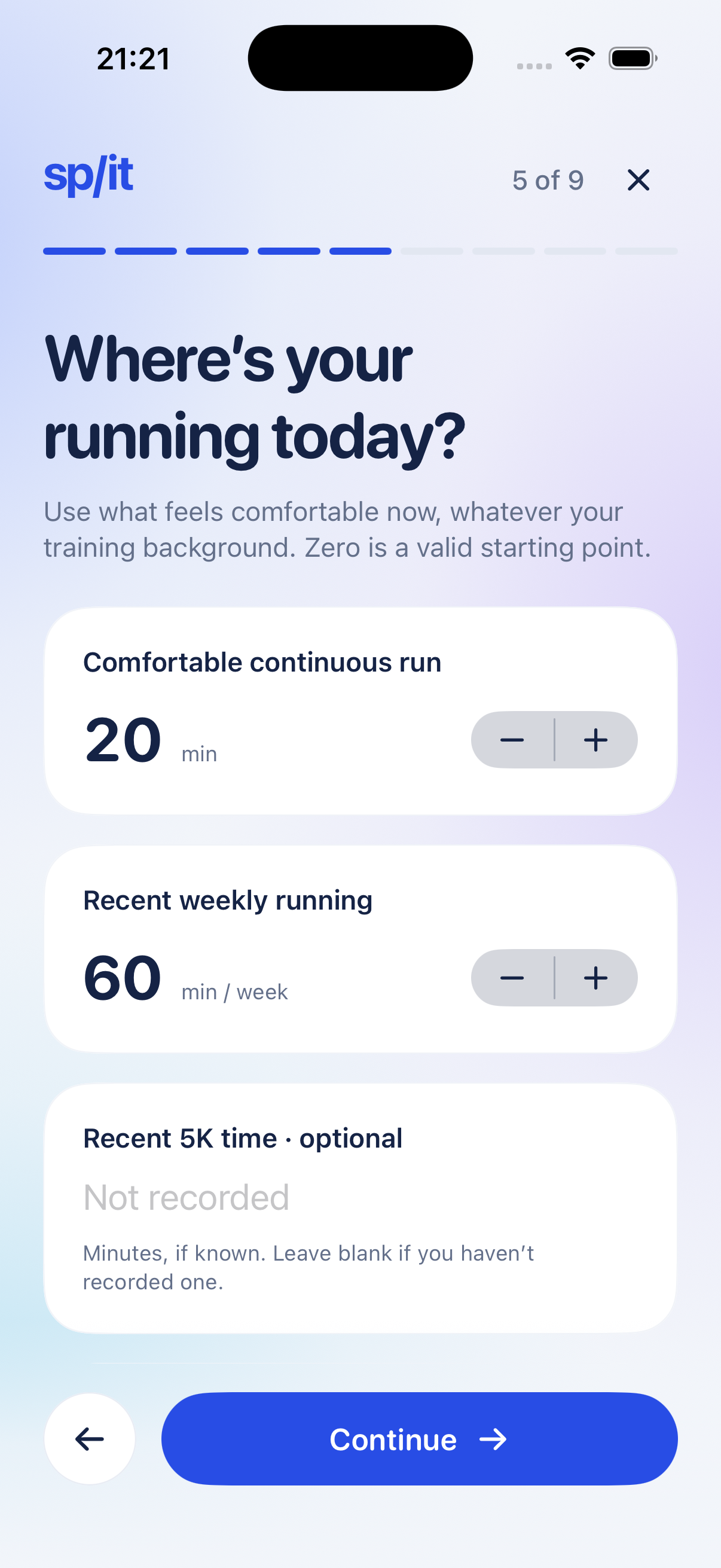
Comfortable running time and recent weekly running are assessed separately. Cycling or swimming experience doesn’t automatically mean running experience. A recent 5K time is optional.
Choose Open Singles or Open Doubles, your race date and division. See format-specific station guidance. Aim to finish, or set an optional personal finish-time target.
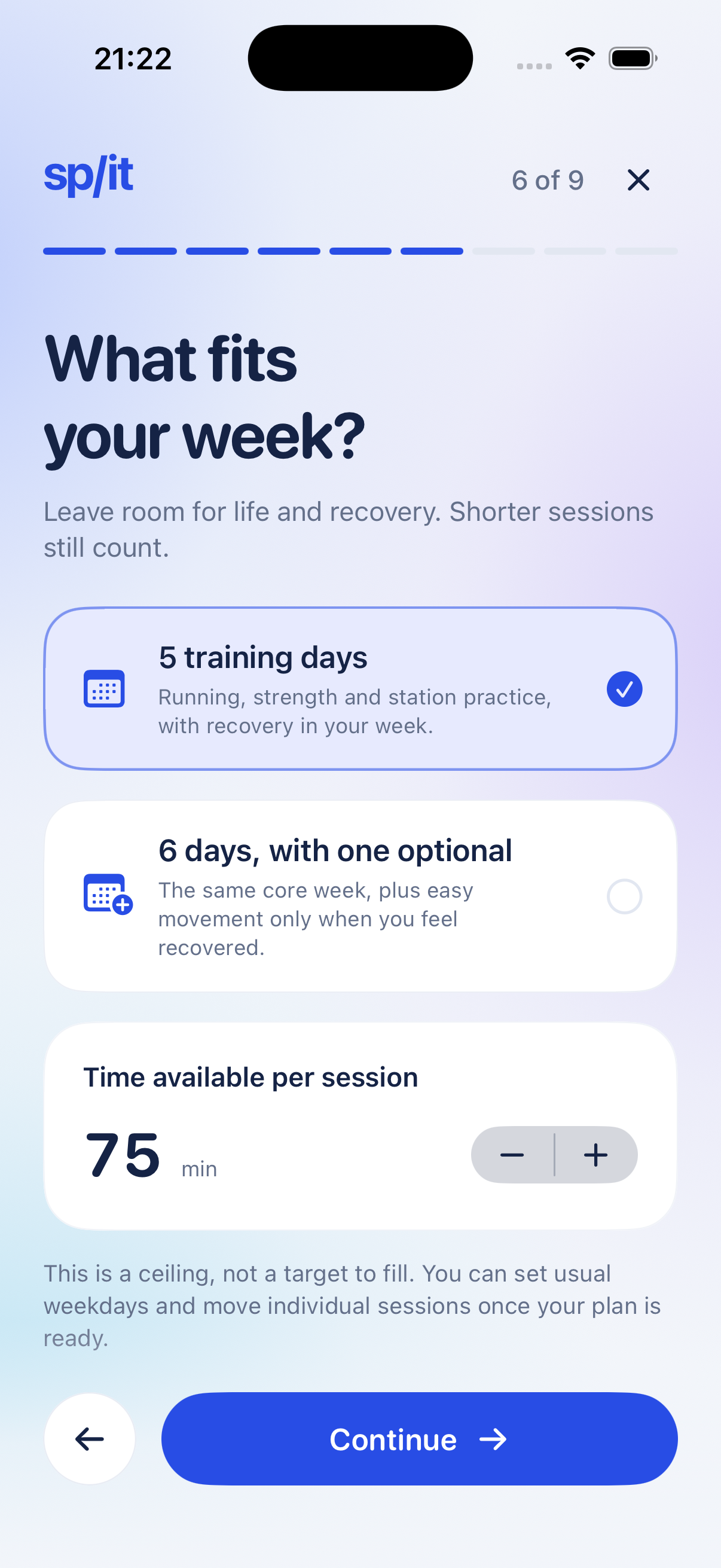
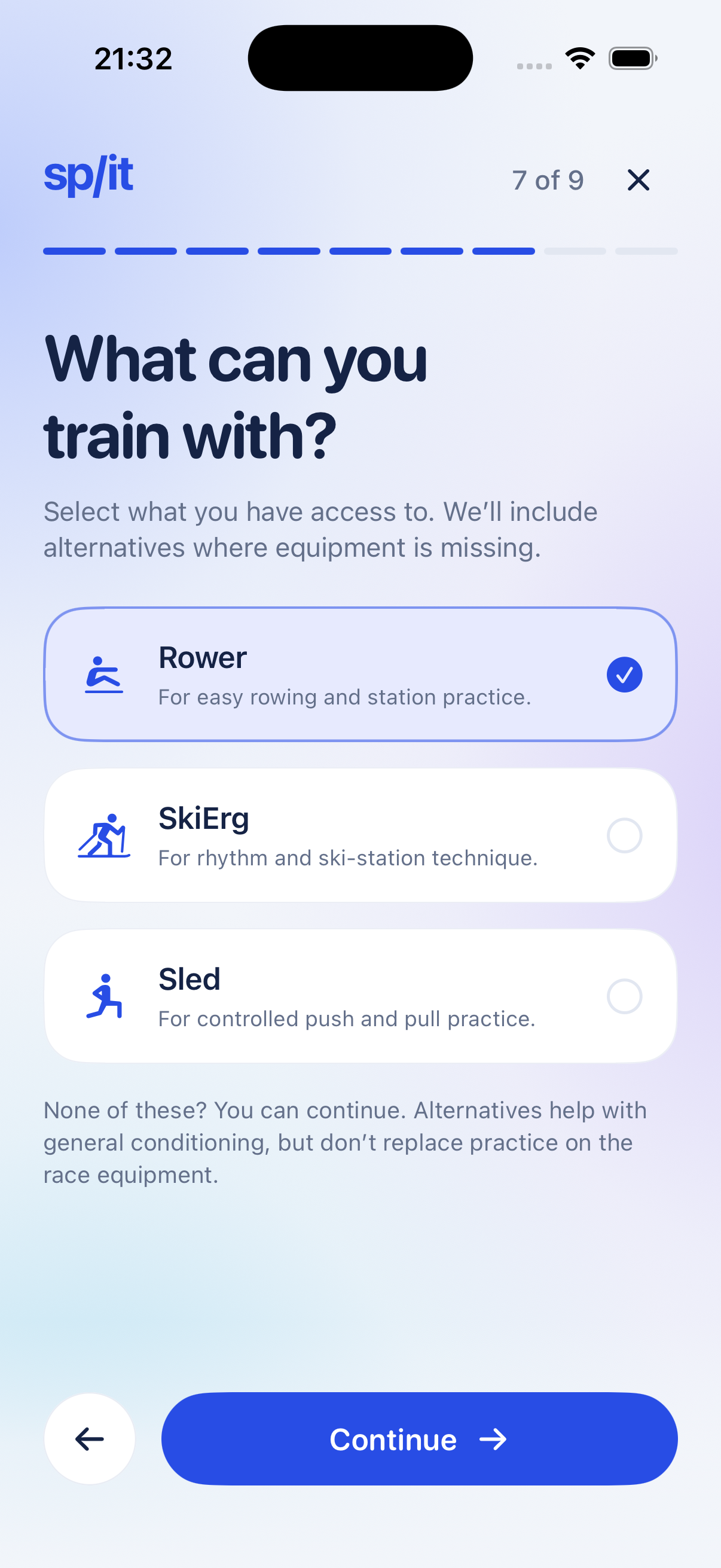
Set your available training time and equipment. Session time is a ceiling, not a requirement to fill every minute. Set your usual training days separately from moving one workout.
Personalization uses starter templates and explicit rules. It is not AI coaching, comprehensive fatigue management, injury adaptation or a finish-time prediction.
Inside Split / Current prototype
Scroll through real screens from the app we’re building.
Recaptured 11 November 2026 from the updated native prototype, version 0.1.0 (build 1), in light and dark mode. These unaltered simulator screenshots use fictional sample data. Use the appearance switch above to change the site and its captures together. The page animates between still screens; this is not a recorded interaction demo or a live Health import.
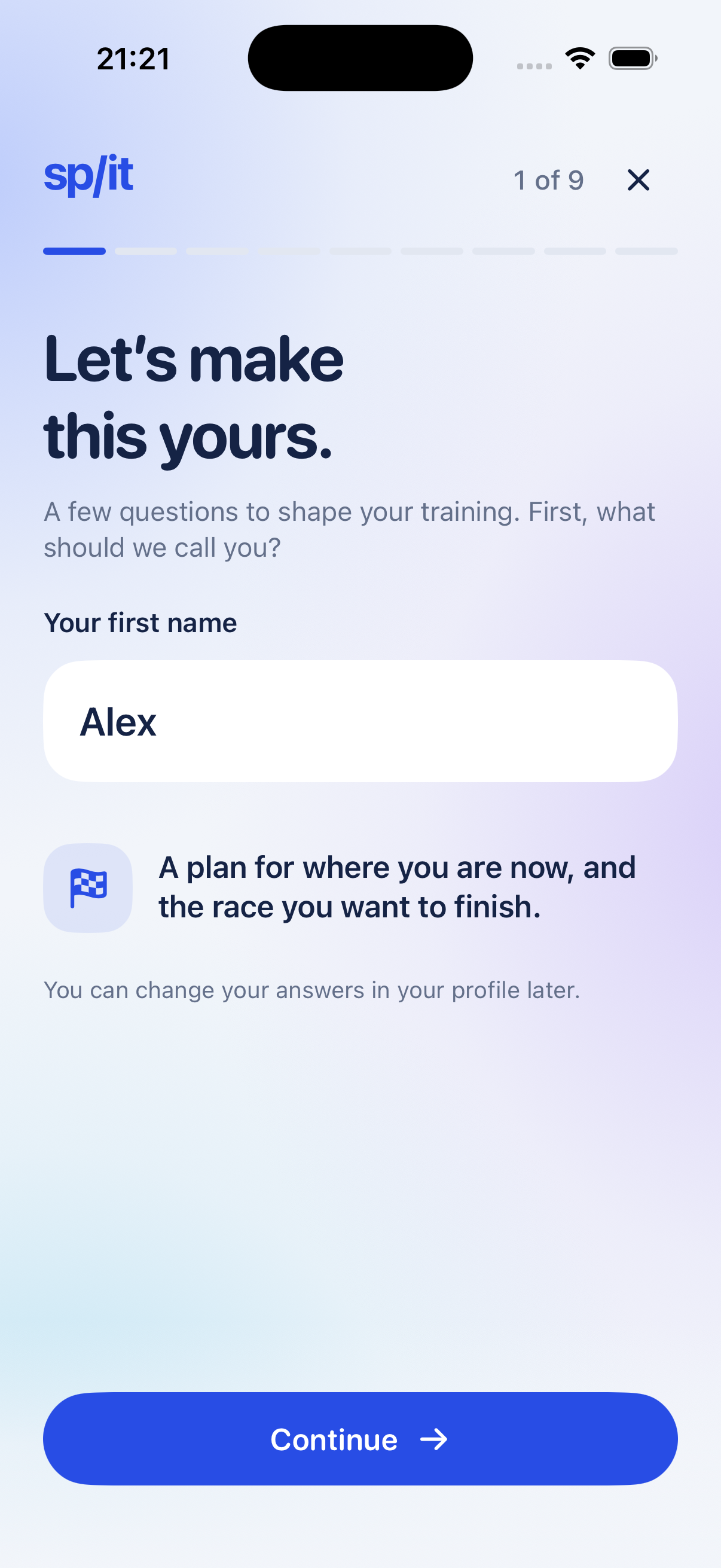
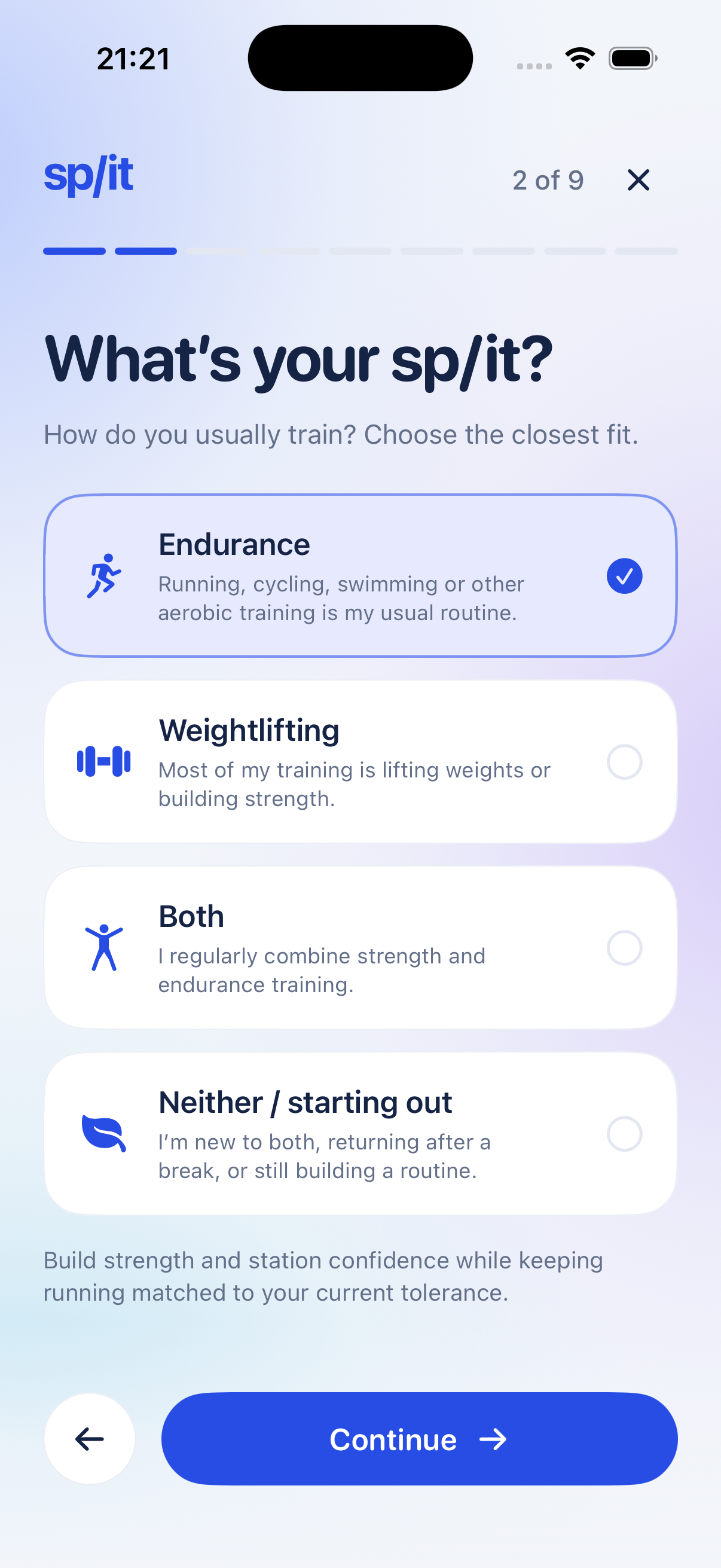
01 Your starting point
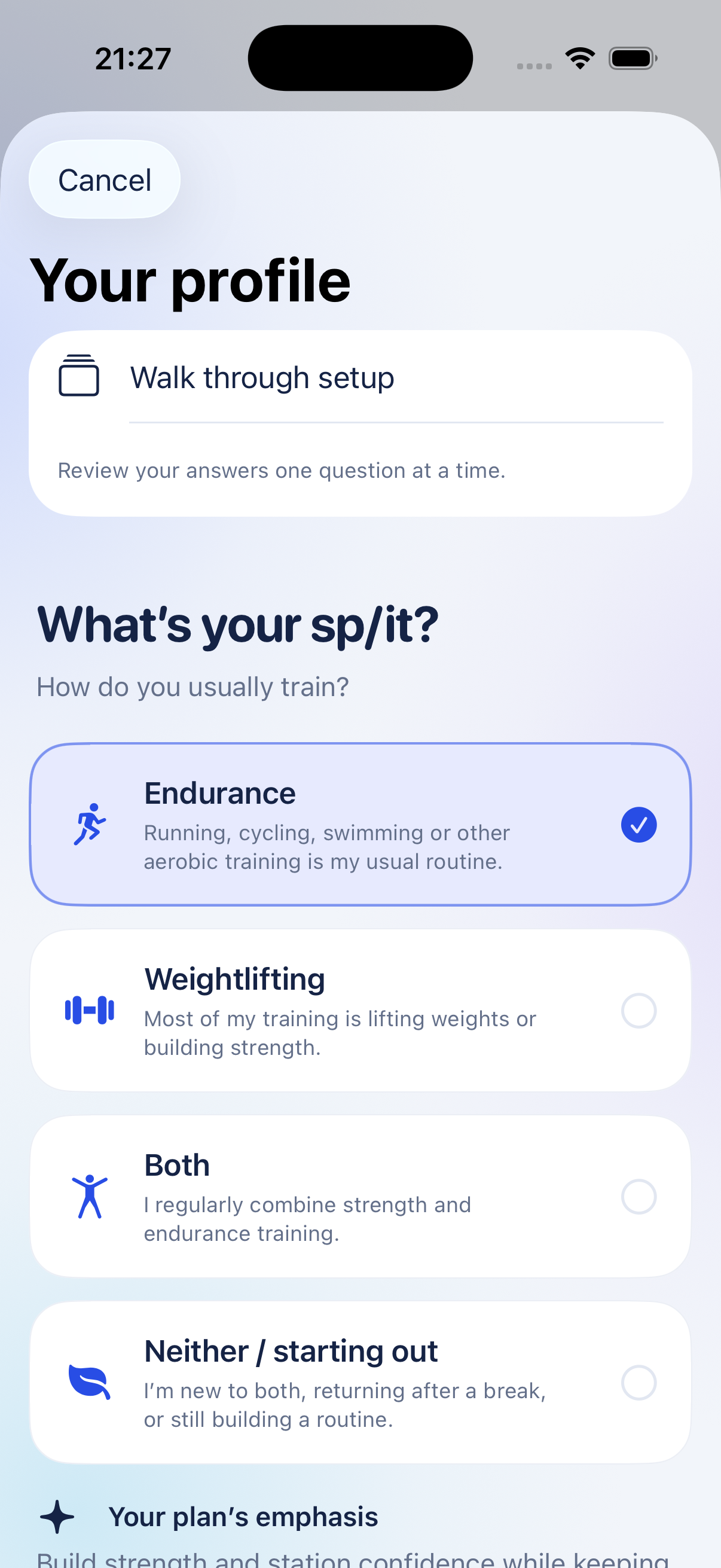
The native setup asks “What’s your sp/it?” and “How do you usually train?” Choose Endurance, Weightlifting, Both, or Neither / starting out.
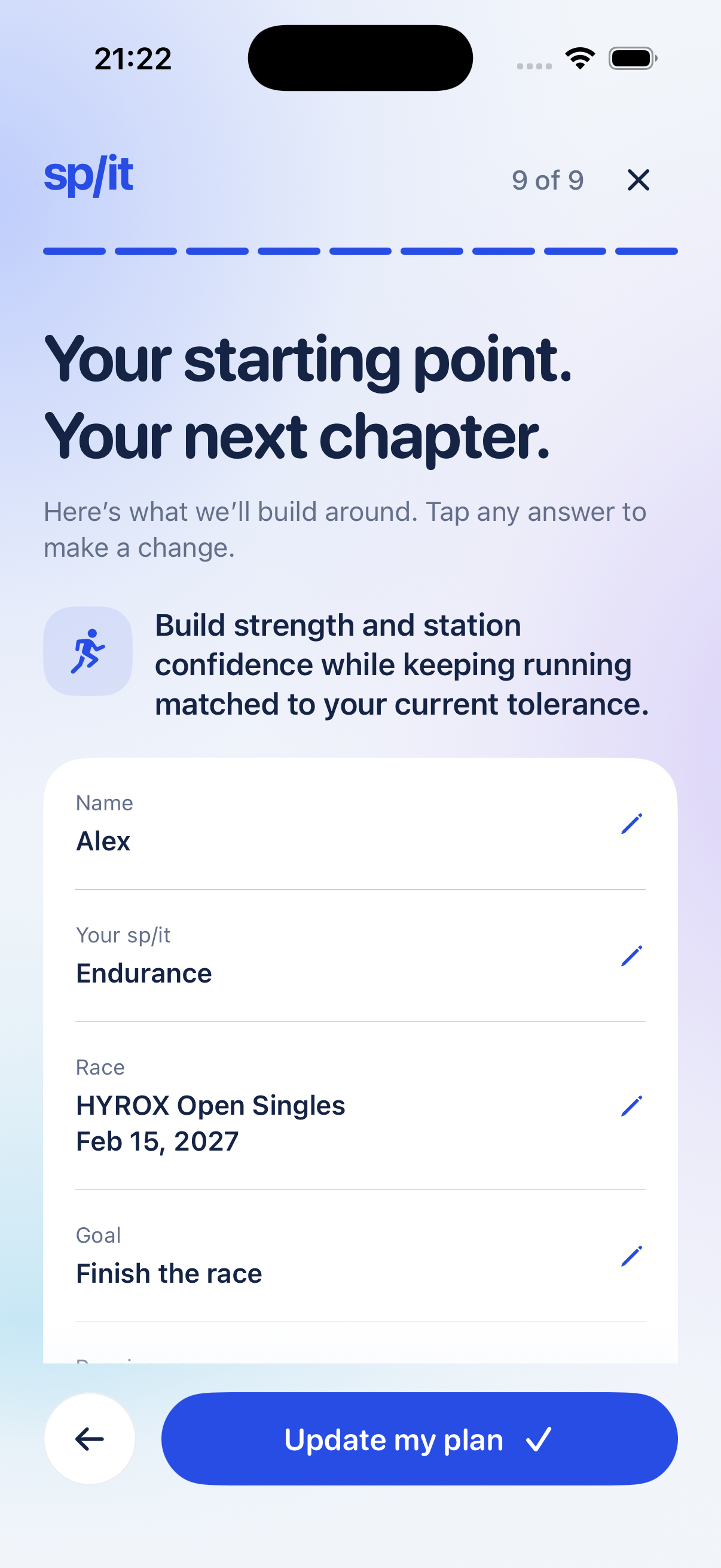
Nine guided questions take you from your starting point to a final review. A progress indicator, Back controls and smooth transitions help you move through setup. Review or revisit your answers before saving.
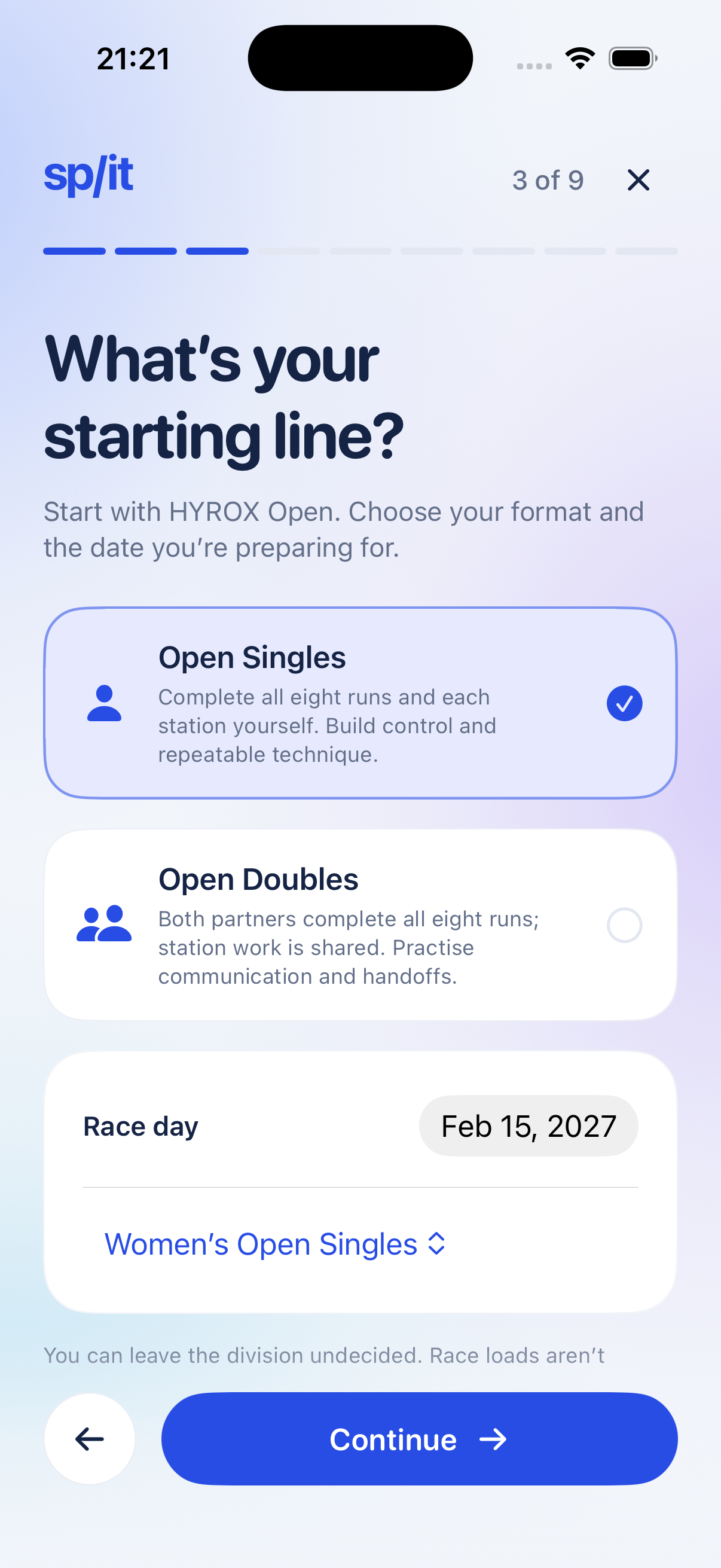
02 Race & running setup
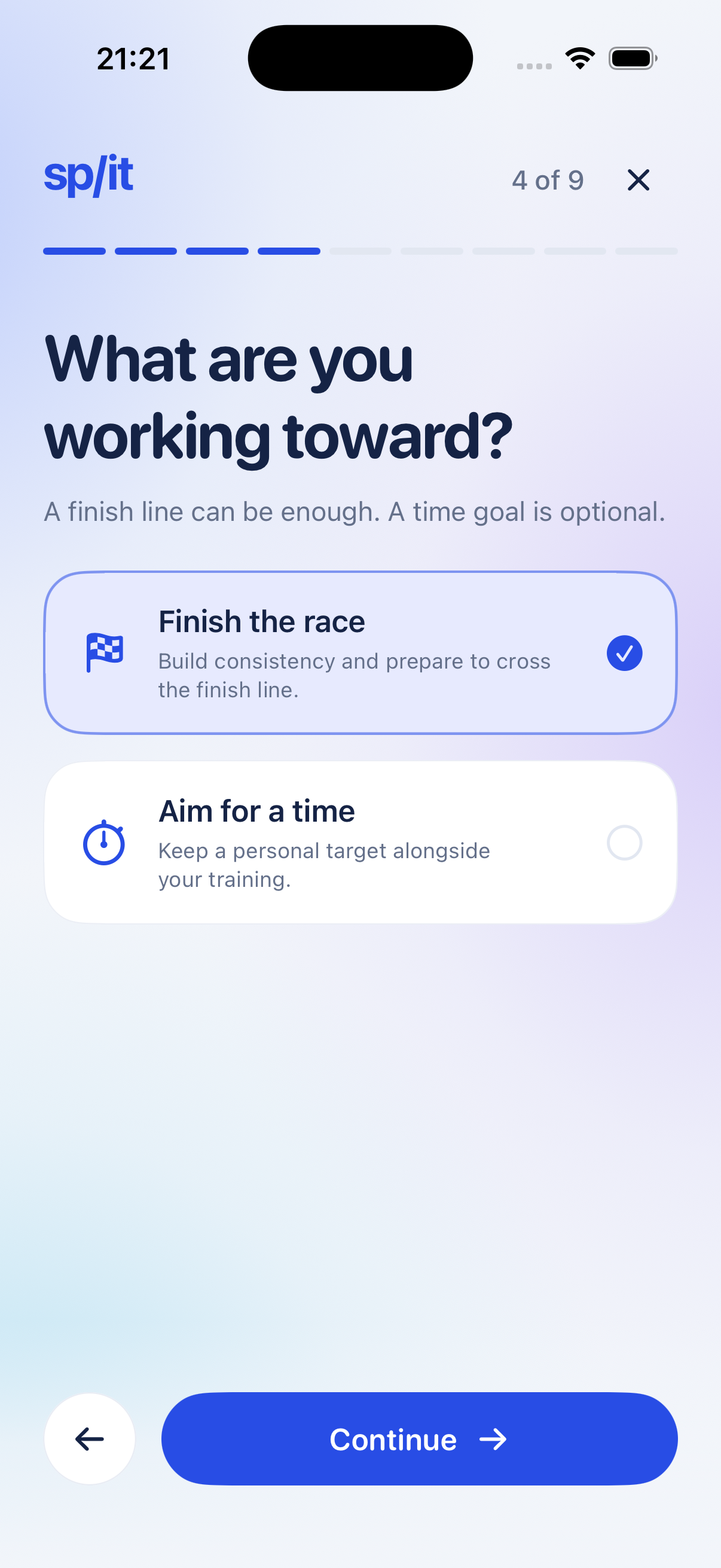
Prepare for HYROX Open Singles or Open Doubles, with a race date and format-specific station guidance. Choose “Finish the race” or an optional personal time target.
Current comfortable running time and recent weekly running set the running starting point. Leave the recent 5K blank if you haven’t recorded one. Available time and equipment help shape the starter sessions.
03 Today
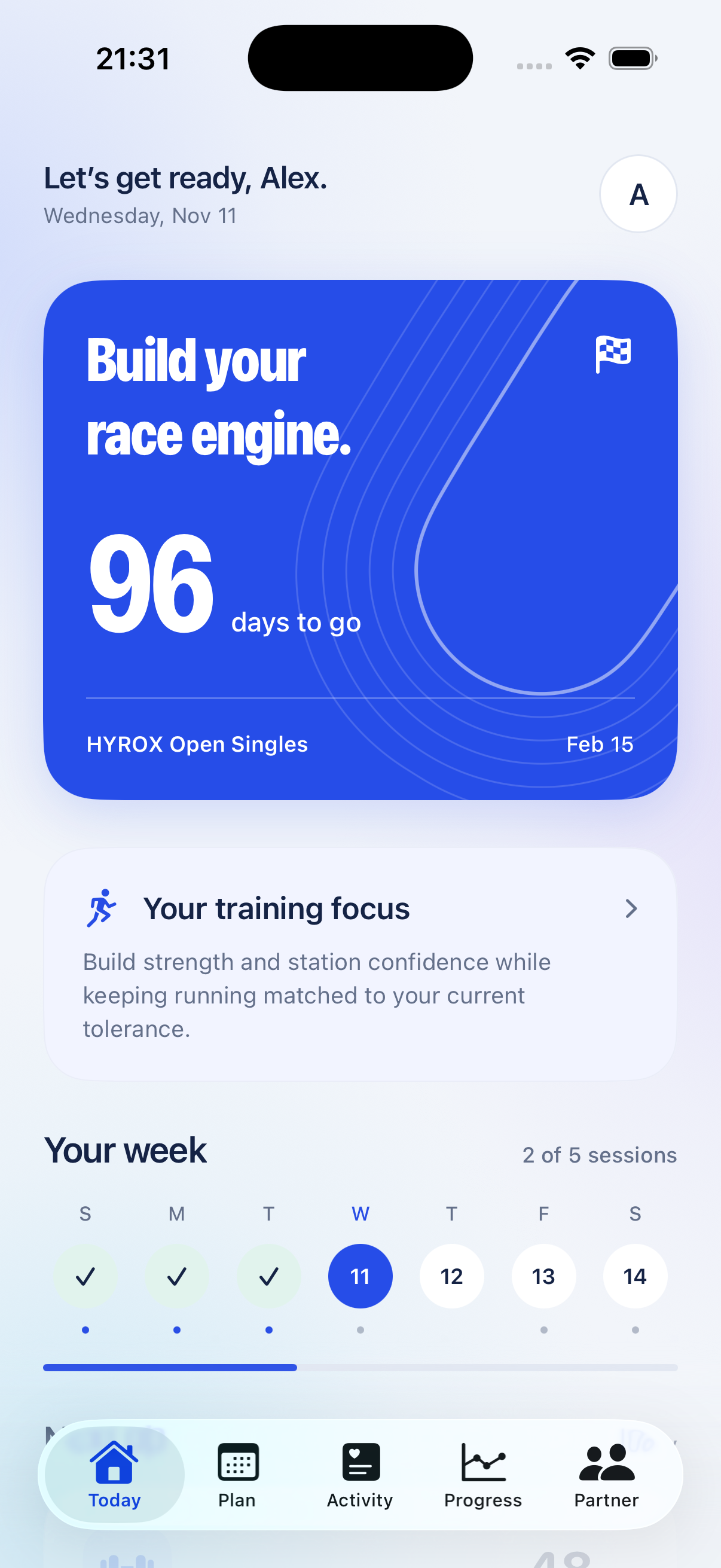
Your race countdown and training-focus summary bring the setup back into view. See how your background and chosen format shape the work ahead.
Alex’s fictional profile combines an endurance background with Open Singles preparation and a completion goal. The Today card reflects that starting point; it isn’t a fitness assessment or a predicted result.
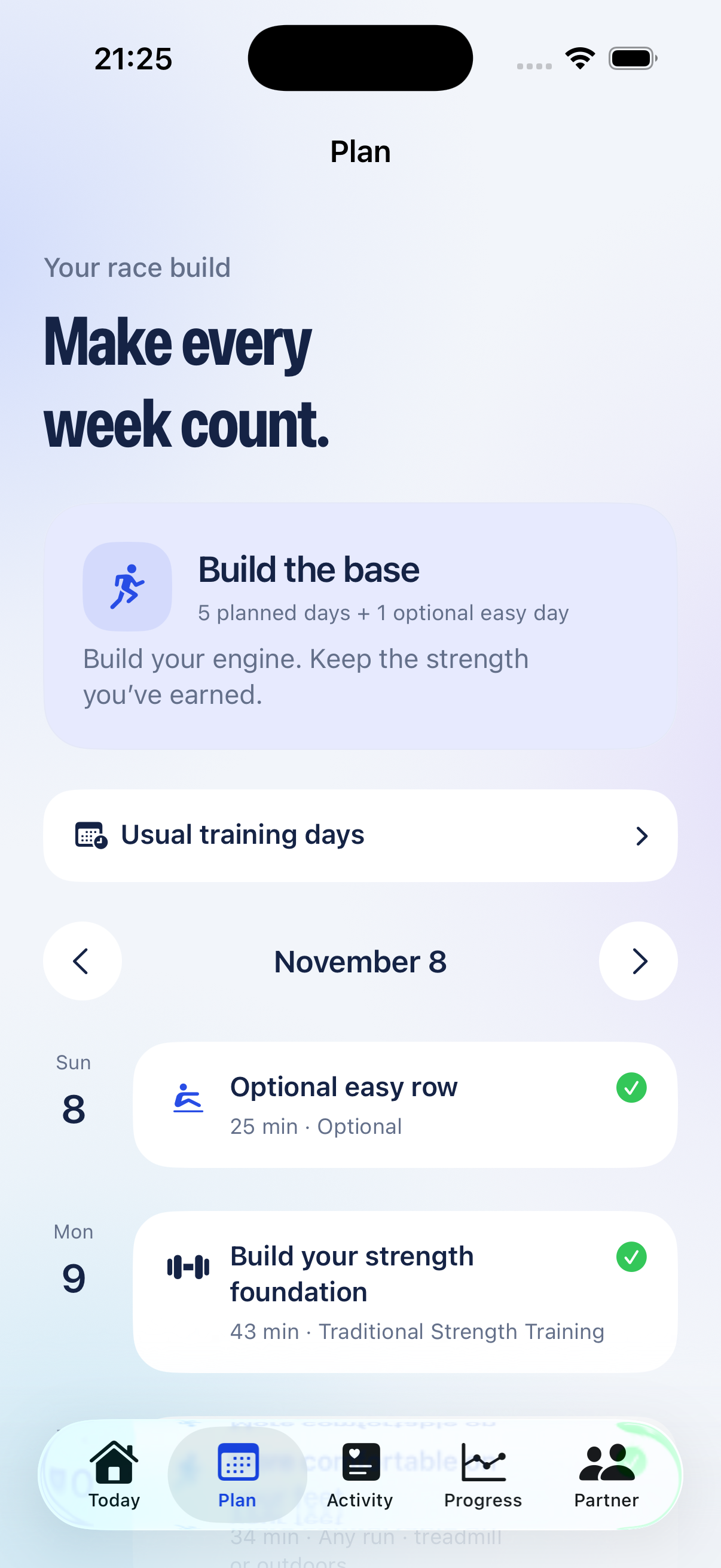
04 The plan
Running, strength foundations, station practice and recovery. This representative schedule is generated from the sample endurance profile, its current running capacity, time and equipment.
Change your usual weekly training days in their own setting. Use “Move or swap” for a one-off date change. Profile changes update eligible upcoming sessions while preserving recorded history and individual date moves within the plan window.
Prototype copy note: this screen still says “Keep the strength you’ve earned.” We’ve flagged that wording for the app team; the screenshot is unaltered.
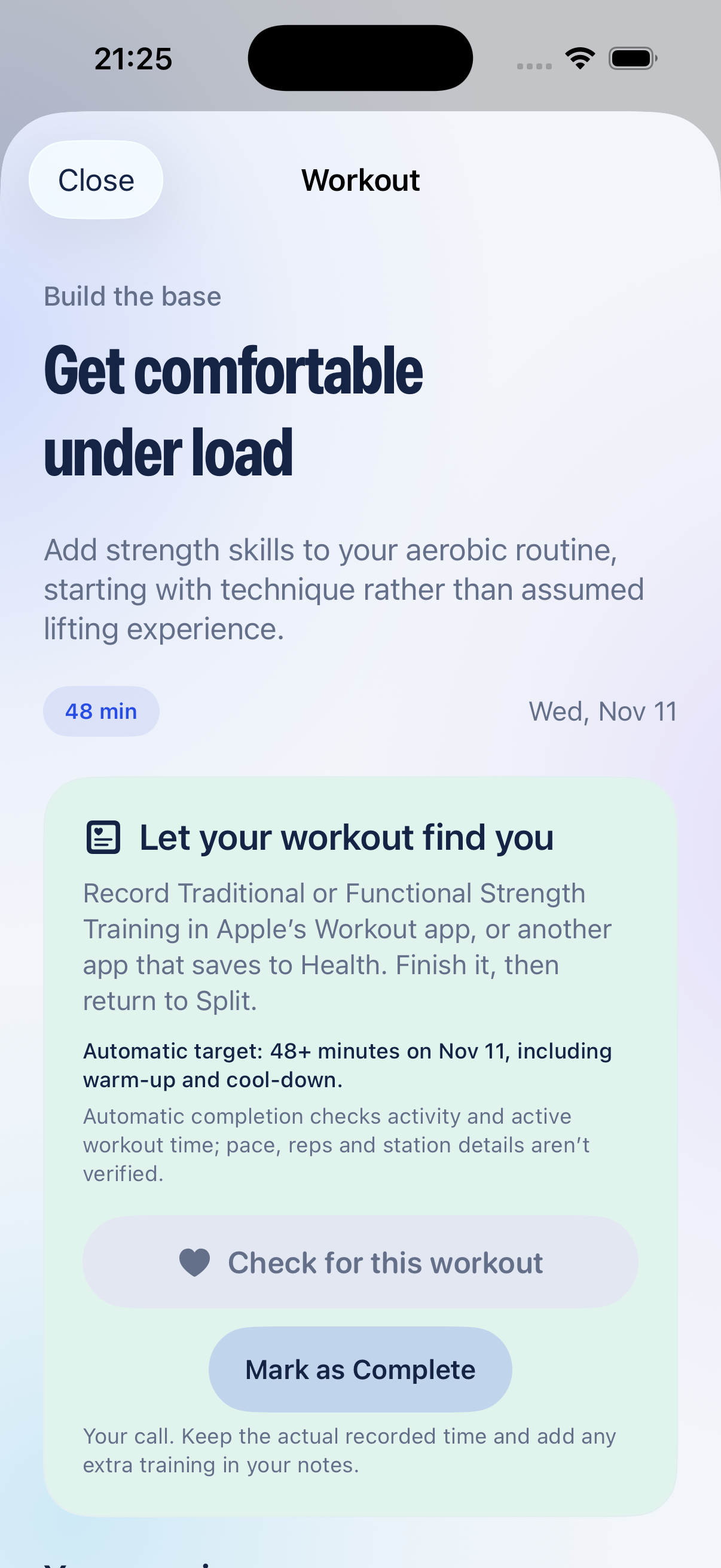
05 The session
For this endurance-background example, “Get comfortable under load” starts with rehearsing a hip hinge, then light strength movements. It doesn’t assume years of lifting experience.
A shorter or adapted session can still count. “Mark as Complete” lets you record what you actually did, keeping the real duration and available measurements. Manual entries stay in Split.
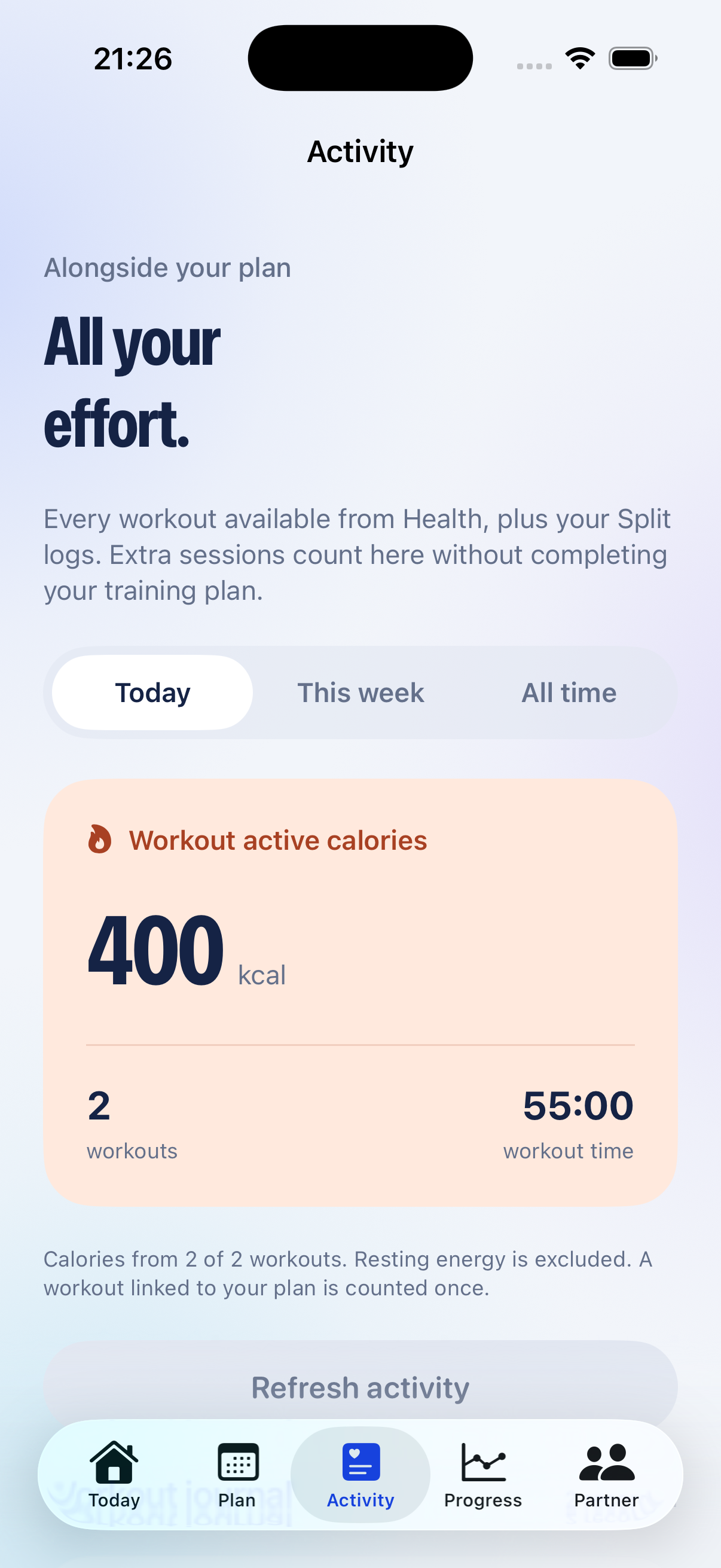
06 All your activity
Keep a workout journal alongside your plan. Activity brings together workouts available from Health and your Split logs, with available active calories, time and distance. A workout linked to the plan is counted once.
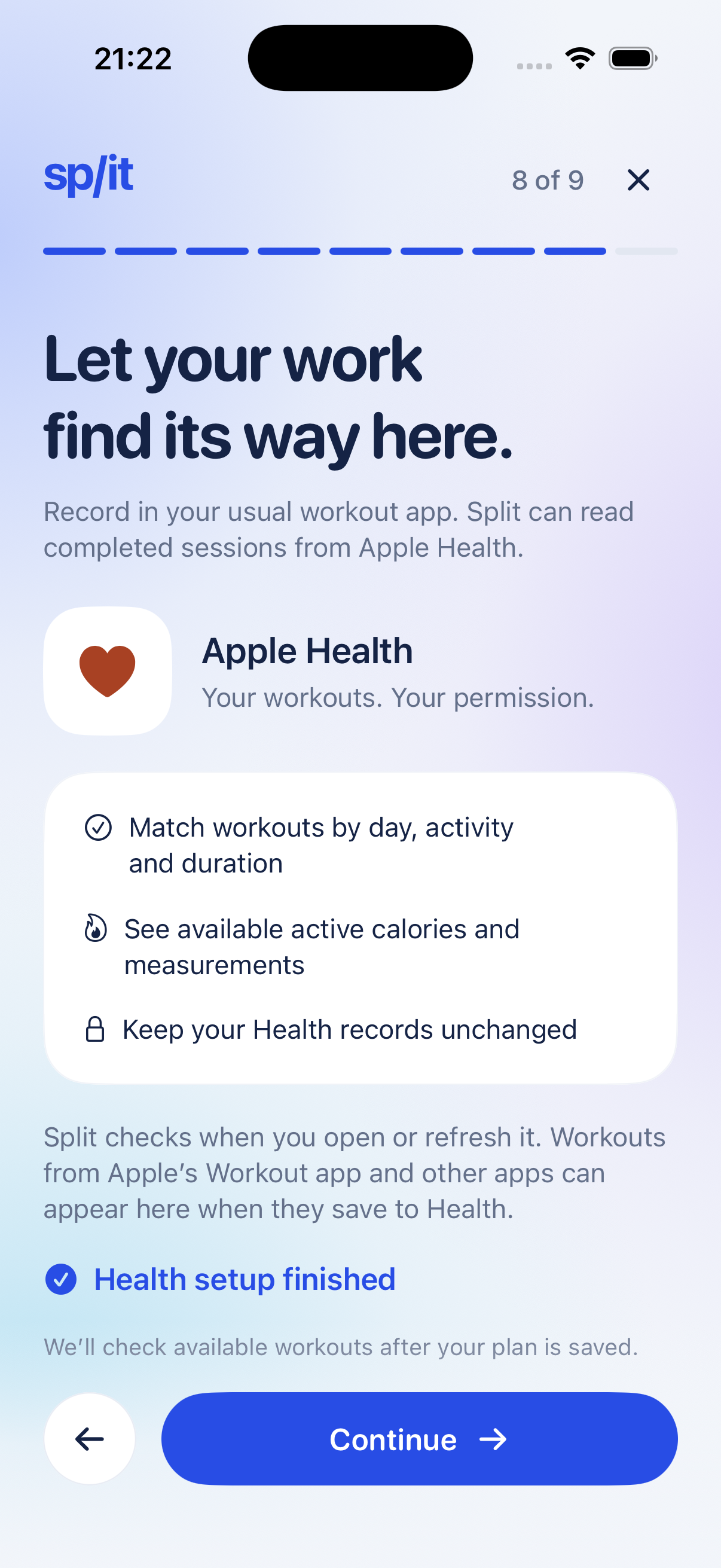
With permission, Split reads Apple Health when you open or refresh it. Plan matching checks the day, activity and duration—including indoor and outdoor runs. Extra workouts don’t automatically complete the plan. Active calories exclude resting energy; missing measurements stay blank.
The workouts shown are fictional sample records, not a demonstration of a live Health import.
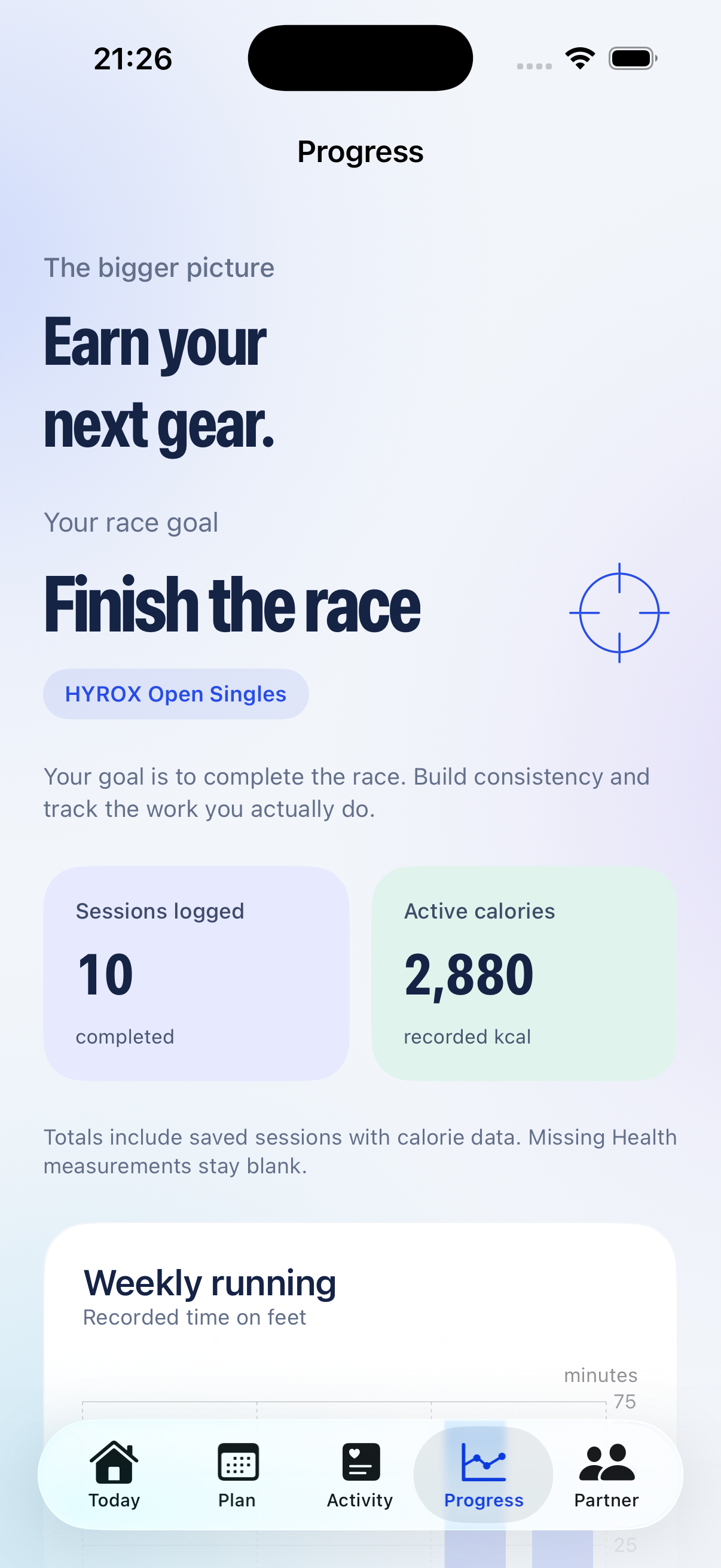
07 The bigger picture
Progress reflects the race format and goal you selected. This sample shows “Finish the race” for HYROX Open Singles, alongside saved sessions and recorded active calories.
Review training history, running time and optional benchmarks. A personal time target is an aspiration. The editable race scenario is separate from the plan and is not a finish-time prediction.
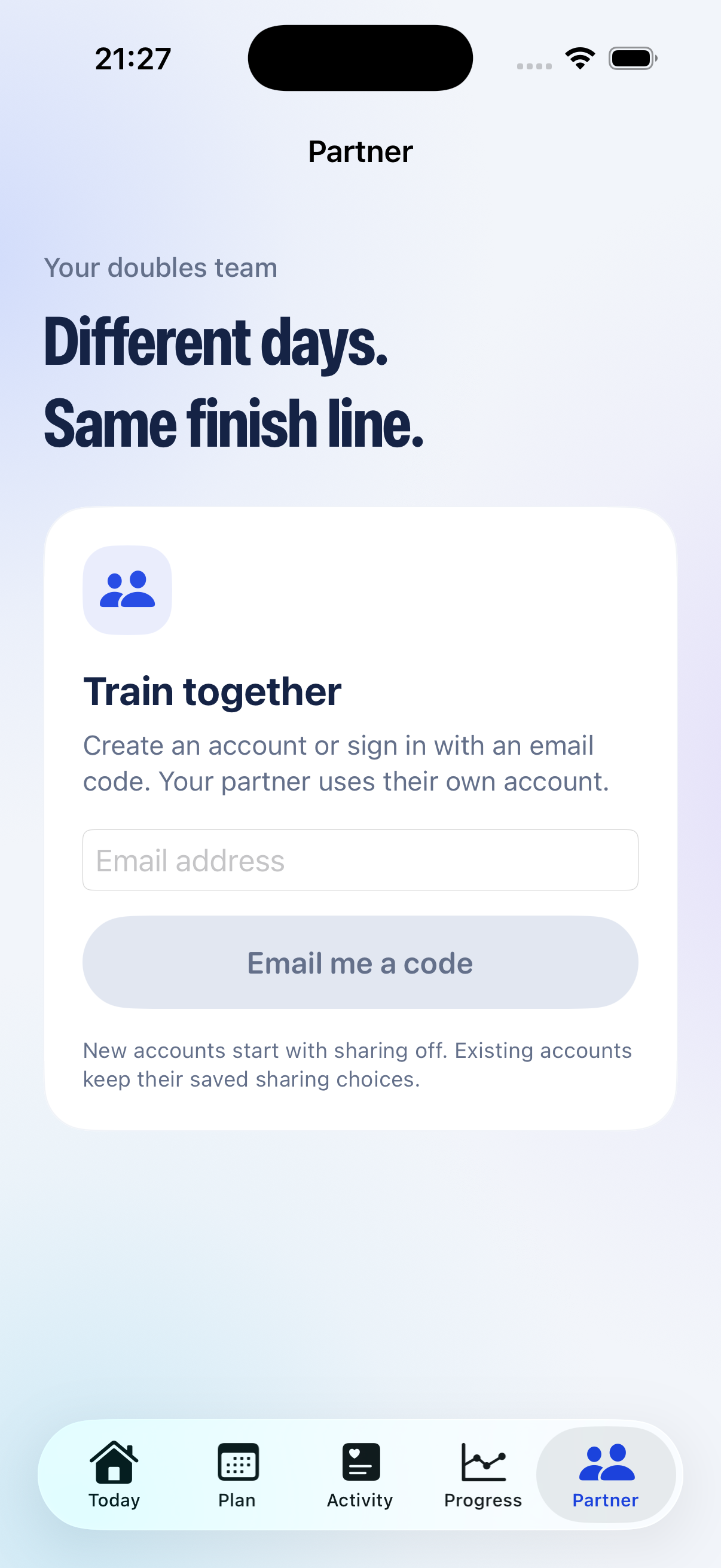
08 Partner
A dedicated space for a training partner, starting with email-code sign-in and a private invitation. New accounts start with sharing off.
Sign-in works. Partner invitations and shared progress are implemented, but complete testing between two real accounts is still pending. This is the signed-out interface, not proof of a completed sharing flow.
Prototype copy note: “Your doubles team” still appears for a Singles profile. It is flagged for correction. Friend groups and coordinated partner plans remain future ideas.
The thinking behind Split
Explore the participation trends, athlete needs and competitor research shaping what we build next.
Explore our research Sources and limitations included · Reviewed 11 Nov 2026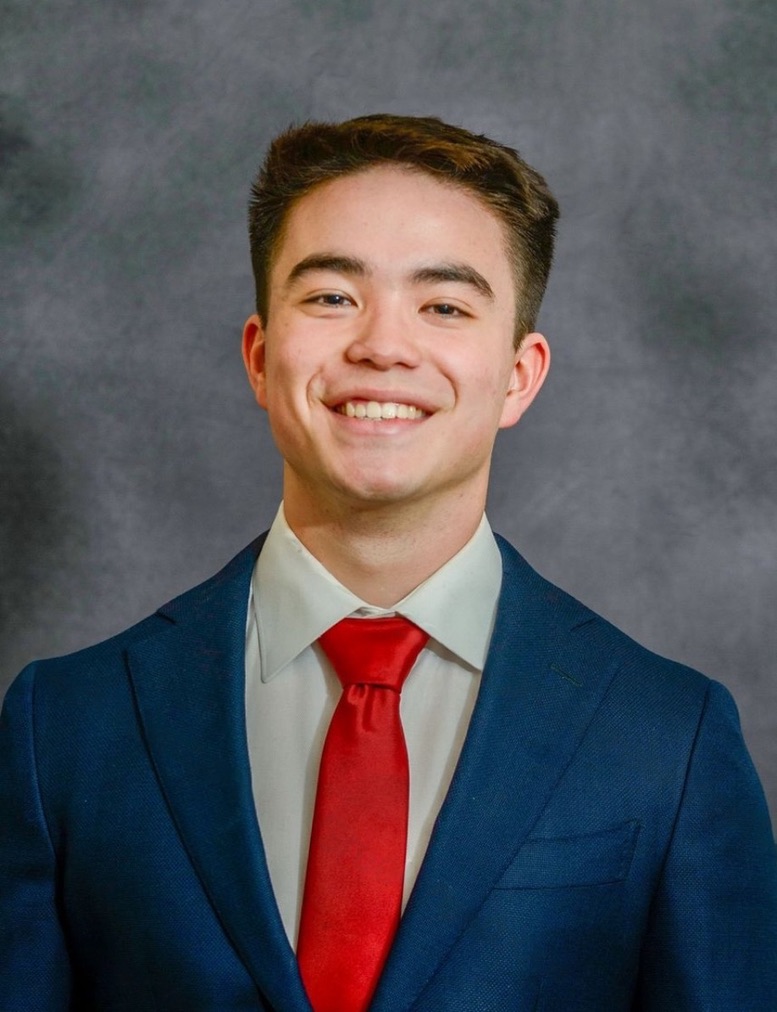
About us / The person behind Split
I’m Zac, a student at Boston University and the creator of Split.
I’m pursuing a BA in Economics with a minor in International Relations, and I have a background in Computer Science. I expect to graduate in May 2027.
I started lifting in high school and have been going to the gym consistently since I was 16. Strength training has always been my home base. Now I’m preparing for a HYROX Open Doubles event and pushing myself to build the endurance to go with that strength.
I made Split to help me train for that challenge: a place for my plan, my workouts and my progress. It’s still a prototype, shaped by what I learn along the way.
A little more ready. Every week.
Split is in development. Follow the build, then make it yours.
Coming to the App Store soon